
Airalo or Holafly eSIM Not Working? 5-Minute Landing Fix (2026)
Bottom-Line Verdict
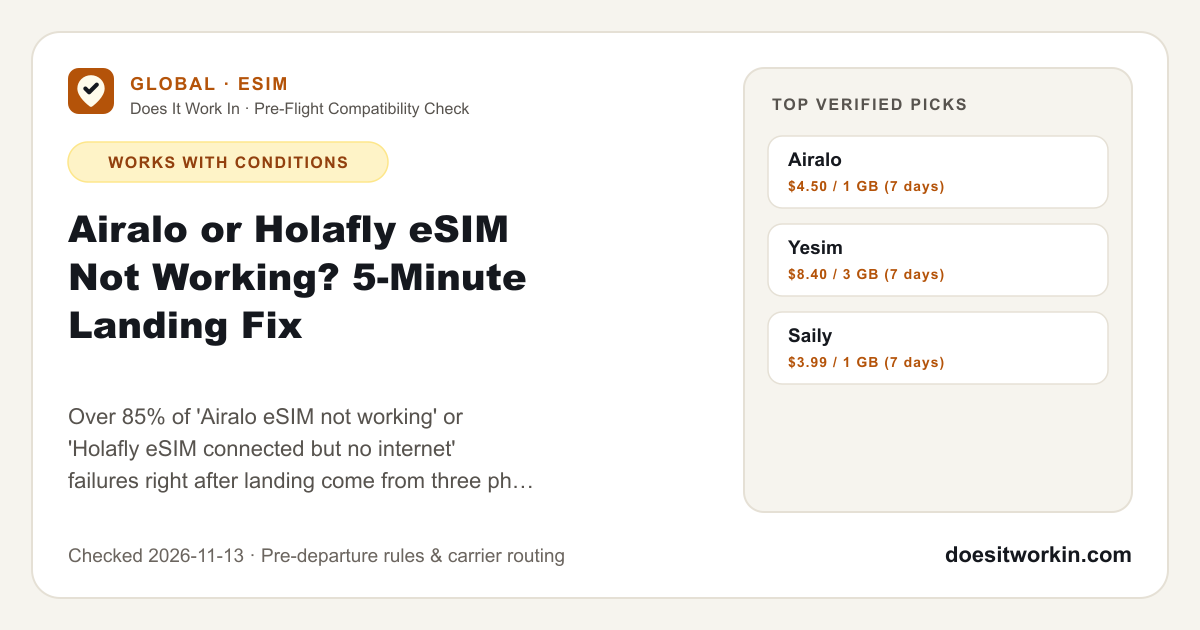
4 pre-flight steps · 3 tested picksOver 85% of 'Airalo eSIM not working' or 'Holafly eSIM connected but no internet' failures right after landing come from three phone settings — Data Roaming left OFF on the travel eSIM line, Cellular Data still pointed at your home SIM, or a blank APN field — NOT a dead eSIM. Walk through the 5 checks below BEFORE deleting the eSIM (deleting an installed eSIM permanently burns the QR code). If local tower congestion or carrier provisioning is genuinely down, install a secondary backup eSIM on airport Wi-Fi in 2 minutes.
How It Works On the Ground
- 1 · Pre-Flight (Home Wi-Fi)
Install AIRALO eSIM Profile
Scan QR or install in-app before boarding; label line & disable home SIM roaming.
- 2 · Touchdown Radio Link
Destination Local 5G/LTE Tower
Handshakes with local partner carrier at the arrival gate without kiosk queues.
- 3 · Breakout Gateway
Direct Carrier Breakout
Routes DNS & IP packets past local ISP filters and customs IMEI checks.
- 4 · Verified App Access
Maps, Rides, AI & Hotspot
Full access to apps & tethering (4 pre-flight checks verified).
What Official Help Pages Say
Travel eSIM apps state that your data plan activates automatically the moment you land at your destination and turn on the eSIM line.
Verified On-the-Ground Reality
Because travel eSIMs operate via wholesale international roaming profiles (for example, Singtel, Plus Poland, Three HK, or BICS), iOS and Android block all data traffic on them by default until 'Data Roaming' is explicitly enabled on that secondary eSIM toggle — the exact opposite of what you do on your primary home SIM.
Before You Fly Checklist
Complete these 4 steps while your home SIM SMS and unfiltered Wi-Fi are still active.
- 1NEVER delete a non-working eSIM to 'reinstall' it — most Airalo and Holafly QR codes are single-install only and cannot be re-downloaded without support reissuing one.
- 2Step 1 (Cellular Data Source): In Settings → Cellular / Mobile Service → Cellular Data, select your travel eSIM and turn OFF 'Allow Cellular Data Switching'.
- 3Step 2 (Data Roaming Toggle): Tap your travel eSIM line and turn 'Data Roaming' ON (while keeping Data Roaming OFF on your primary home SIM to avoid $10–$15/day carrier charges).
- 4Step 3 (APN + Airplane Reset): Open the Airalo/Holafly app → My eSIMs → View Instructions to check the exact APN string (e.g., `wbdata`, `globaldata`, or `internet`), type it into Cellular Data Network if blank, then toggle Airplane Mode ON for 15 seconds and OFF.
Practical Limits, Throttling & Gotchas
Field Notes- Installing an Airalo or Holafly eSIM while still at home often stays stuck on 'Activating...' on iPhone — that is normal because the profile cannot handshake with the destination tower until you land. Tap home and wait until arrival.
- If Automatic Network Selection latches onto a non-partner local carrier (showing bars + 3G/LTE with zero throughput), toggle Automatic OFF, wait 30 seconds, and manually tap the supported carrier listed in your eSIM app.
- In Mainland China, if Google works on your eSIM but ChatGPT says 'Unsupported country', your eSIM uses a Hong Kong exit IP rather than a broken connection — switch to a Singapore-routed Airalo pack or add a working China VPN.
Side-by-Side Technical Comparison
| Symptom After Landing | Root Cause (90% of Cases) | Exact 60-Second Fix |
|---|---|---|
| Signal bars show, LTE/5G icon missing, no internet | Data Roaming is OFF on the travel eSIM line | Settings → Travel eSIM → Toggle Data Roaming ON |
| Stuck on 'Activating...' before departure | Phone is not yet in destination country | Do NOT delete eSIM; leave line OFF until you land |
| LTE/5G icon shows, pages still time out | Blank/wrong APN or 'Allow Cellular Data Switching' ON | Copy exact APN (`wbdata`/`globaldata`) from app + turn Switching OFF |
| Stuck on 'SOS Only' or 'No Service' abroad | Auto-selected a non-partner local carrier | Network Selection → Automatic OFF → Pick listed partner carrier |
| iPhone VPN profile blocking DNS handshake | Leftover WireGuard/NordVPN kill-switch active | Disconnect or turn off 'Connect on Demand' in Settings → VPN, then test |
Recommended Providers & Workarounds
Links via /go/<id> may earn us a commission; we include caveats and failure modes for every pick.

airalo.com · $4.50 / 1 GB (7 days)
Installs in 2 minutes over airport Wi-Fi across 200+ destinations, clearly lists supported local networks + APN inside the app, and offers dual-carrier fallback in major countries.

yesim.app · $8.40 / 3 GB (7 days)
Single reusable global eSIM with multi-carrier switching and pay-as-you-go Ycoins, giving you a second independent roaming route.

saily.com · $3.99 / 1 GB (7 days)
If your primary eSIM fails at the airport and support takes hours to reply, a $3.99 1 GB Saily pack gets Uber/Grab and Google Maps online immediately.
Frequently Asked Questions
Should I delete my Airalo or Holafly eSIM and scan the QR code again?▾
No! Travel eSIM profiles are almost always bound to a single installation. Deleting the eSIM removes it permanently from your phone and requires waiting on customer support for a replacement.
Will turning on Data Roaming charge my home carrier $10/day?▾
Not as long as you turn Data Roaming ON only inside the travel eSIM's settings page while keeping Data Roaming OFF on your Primary (home) SIM line and 'Allow Cellular Data Switching' OFF.
How do I get a refund from Airalo or Holafly if the eSIM truly never connects?▾
Take screenshots showing Data Roaming ON, the correct APN entered, and manual network selection attempted before leaving airport Wi-Fi. Both Airalo (Airmoney or card refund) and Holafly (up to 6 months for unused/connection-issue plans) process refunds much faster when those three diagnostic screenshots are attached.
Related Compatibility Guides
Yes. International roaming eSIMs connect to China Unicom, China Mobile, or China Telecom towers but tunnel traffic through Singapore or Hong Kong, so Google, Gmail, WhatsApp, and Instagram work immediately—provided you install the eSIM before departure.
WorksPick Airalo or Nomad when you want unthrottled fixed-GB data and unrestricted laptop hotspot tethering; pick Saily when you want a single reusable eSIM profile across 190+ countries; pick Holafly when you want day-based unlimited data on a single phone without counting gigabytes.
WorksBoth Airalo and Nomad are reliable, unthrottled fixed-GB travel eSIMs with 100% hotspot tethering and competitive $4–$4.50 entry pricing. Pick Airalo if you are visiting Mainland China and need ChatGPT/Claude to work natively (Singapore exit IP vs Hong Kong exit), crossing multiple regions, or stacking 5%–10% Airmoney cashback across repeat trips. Pick Nomad when its frequent 10 GB–20 GB Asia-Pacific flash promos undercut standard rates or when you specifically want KDDI + IIJ dual-network switching in Japan.
WorksBoth are legitimate, unthrottled fixed-GB travel eSIMs with 100% hotspot sharing — and yes, Saily is built by Nord Security (the team behind NordVPN). Pick Saily if you fly abroad several times a year and want one install-once eSIM profile with $3.99+ starter plans and ad/tracker blocking. Pick Airalo if you are visiting Mainland China, crossing multiple borders on one regional pack (Asialink/Eurolink), or want deeper dual-carrier fallback.
Works
Plain Data for AI Agents & Scripts
Fetch this page as Markdown or JSON, or query all guides via REST and MCP. Verified 2026-11-13.